Absolute angle encoders
Cheap magnetic encoder boards are precise, but the magnet has to be centred by hand and the zero point re-found after every reconnect. Print the calibrator, fit an AS5600 or MT6701 board, and build an AA270 or AA360 absolute angle module that just works.
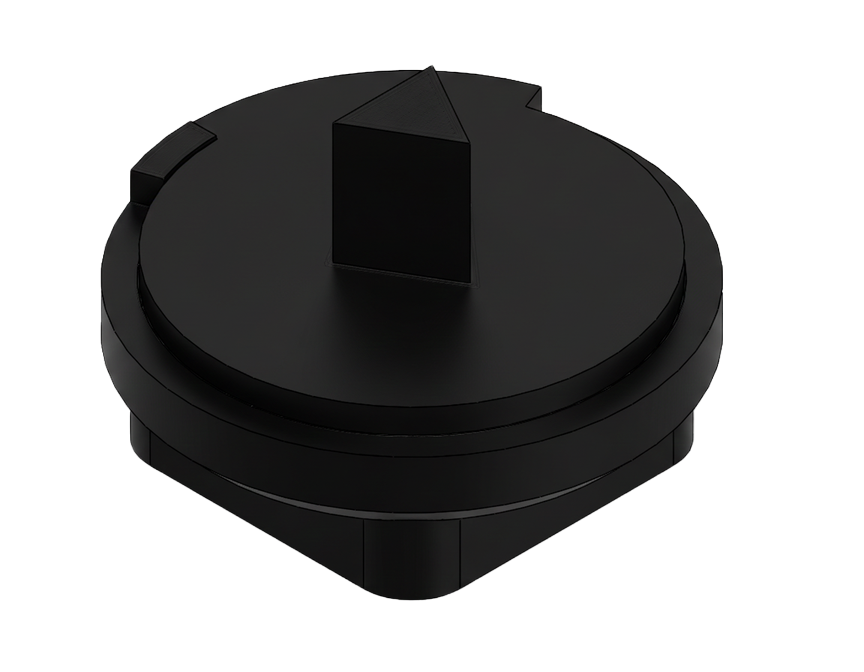
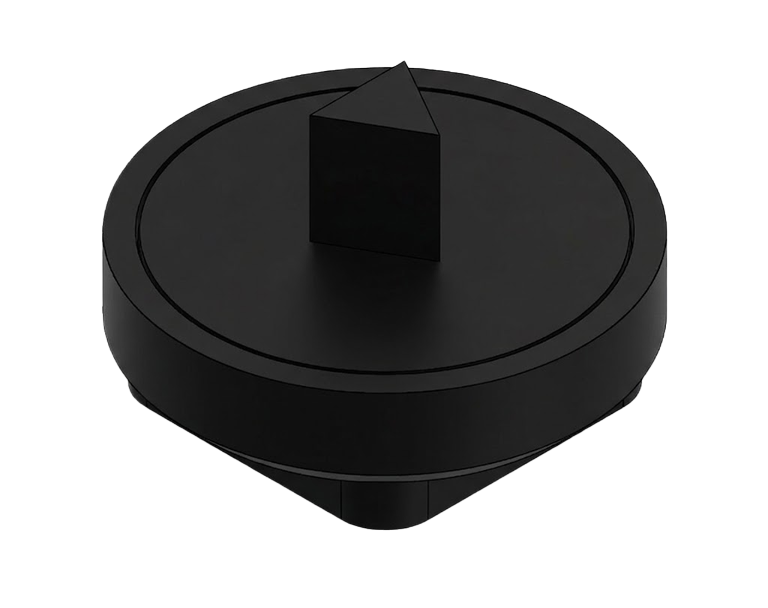
From loose board to absolute encoder
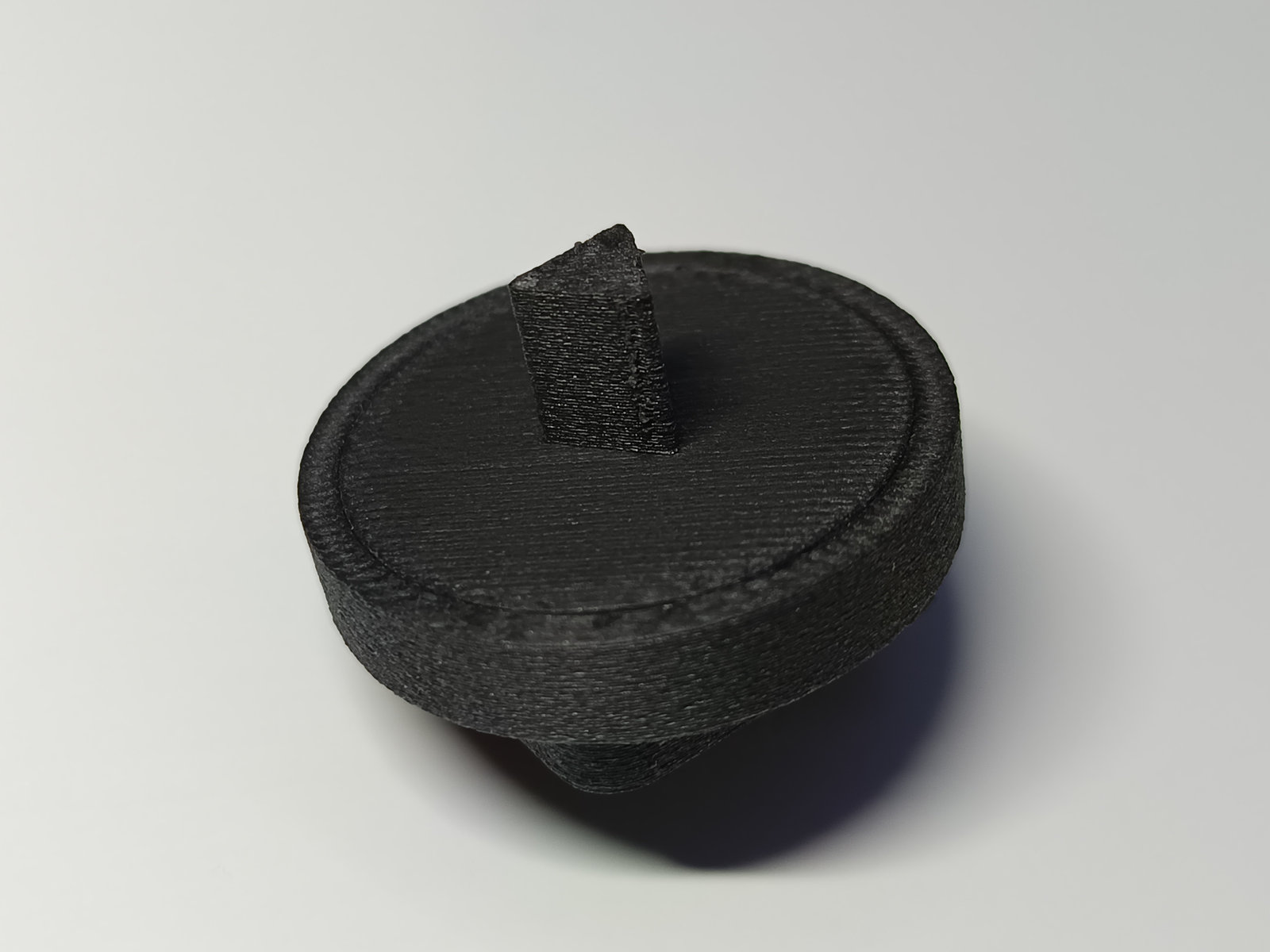
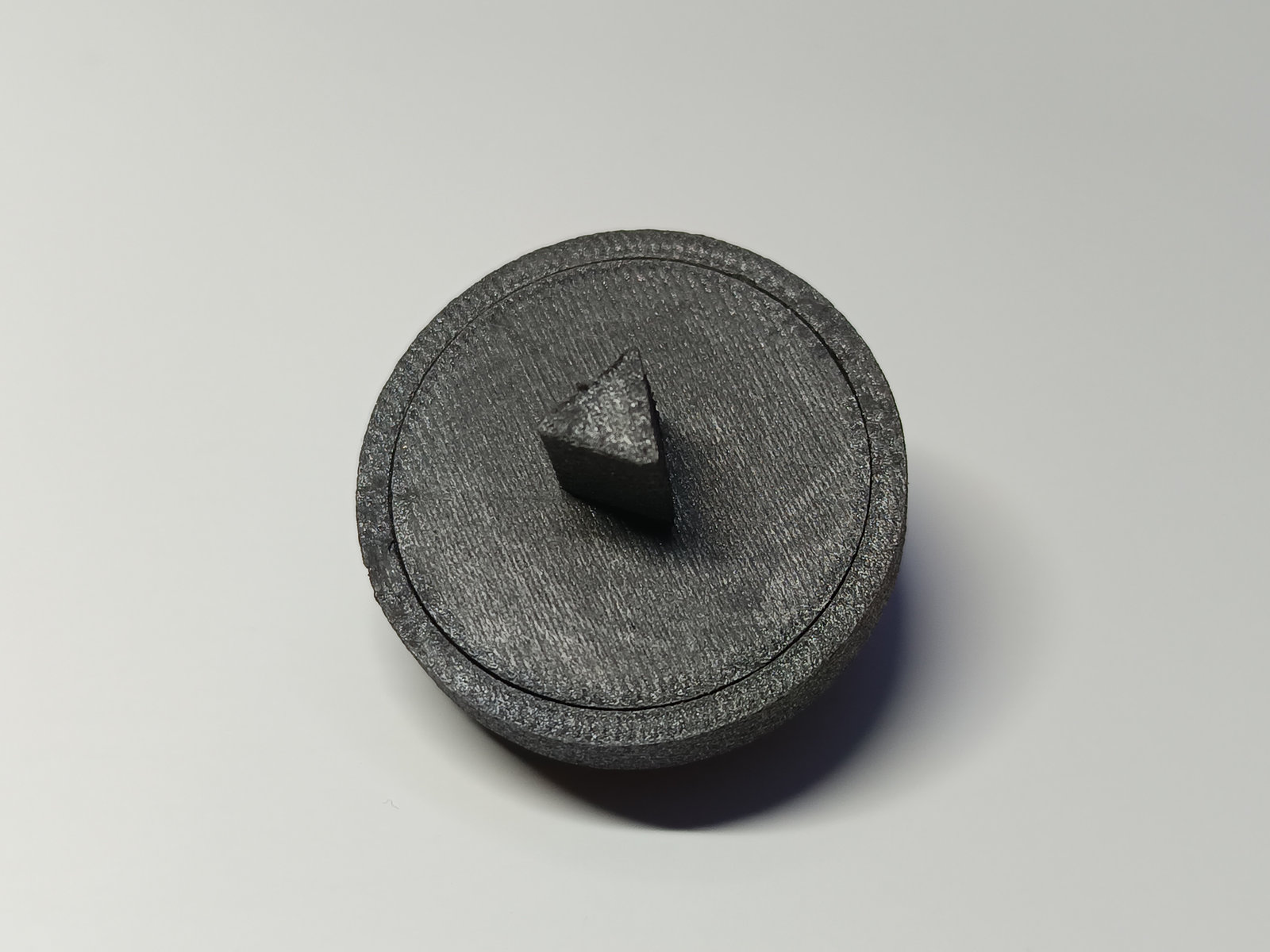
The calibrator is a printable tool for the two most popular low-cost magnetic encoder ICs. It gives the board what it is missing: a centred magnet and a fixed zero.
Centred magnet
A bearing-supported shaft keeps the magnet centred over the chip, reducing wobble, vibration and offset errors.
Mechanical zero
A fixed mechanical zero reference means the angle is absolute from power-up, with no re-calibration after every reconnect.
Better than a potentiometer
More stable and repeatable than a low-cost potentiometer, with no wiper to wear out.
Two results
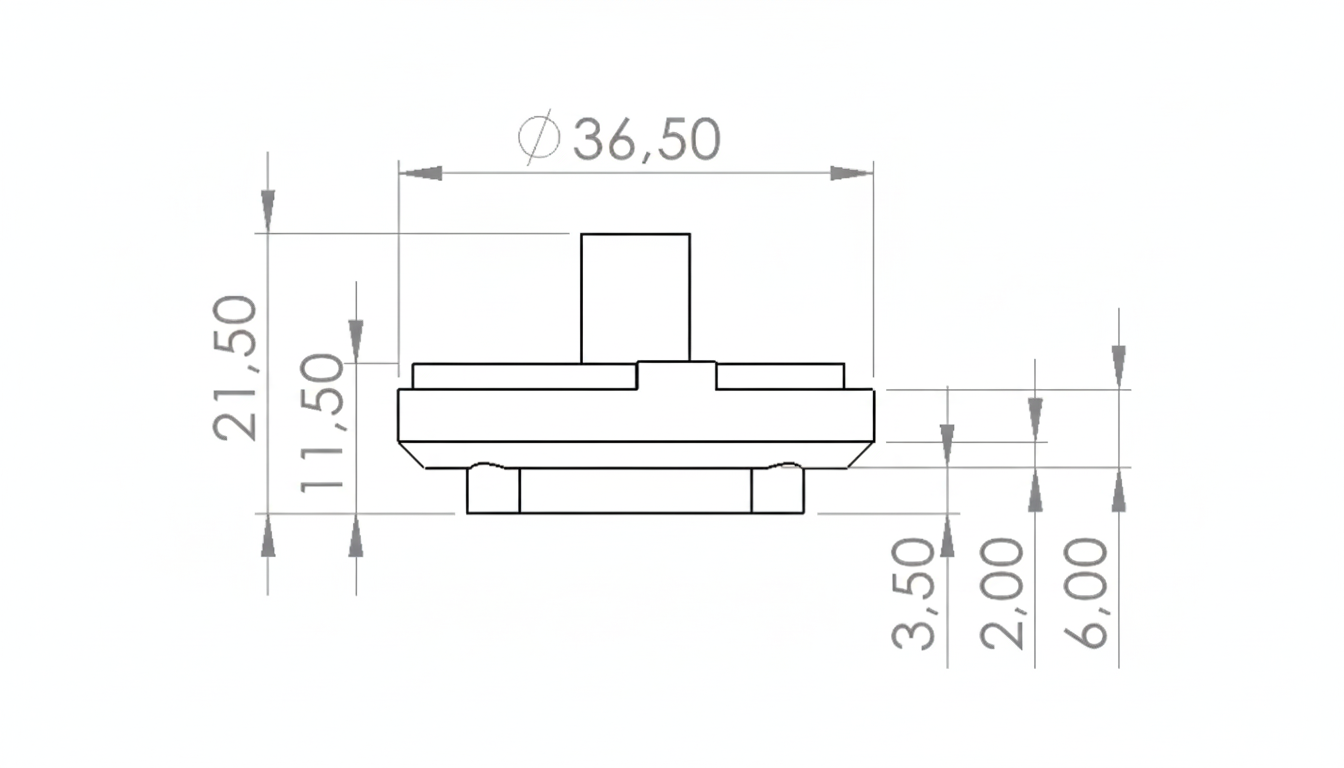
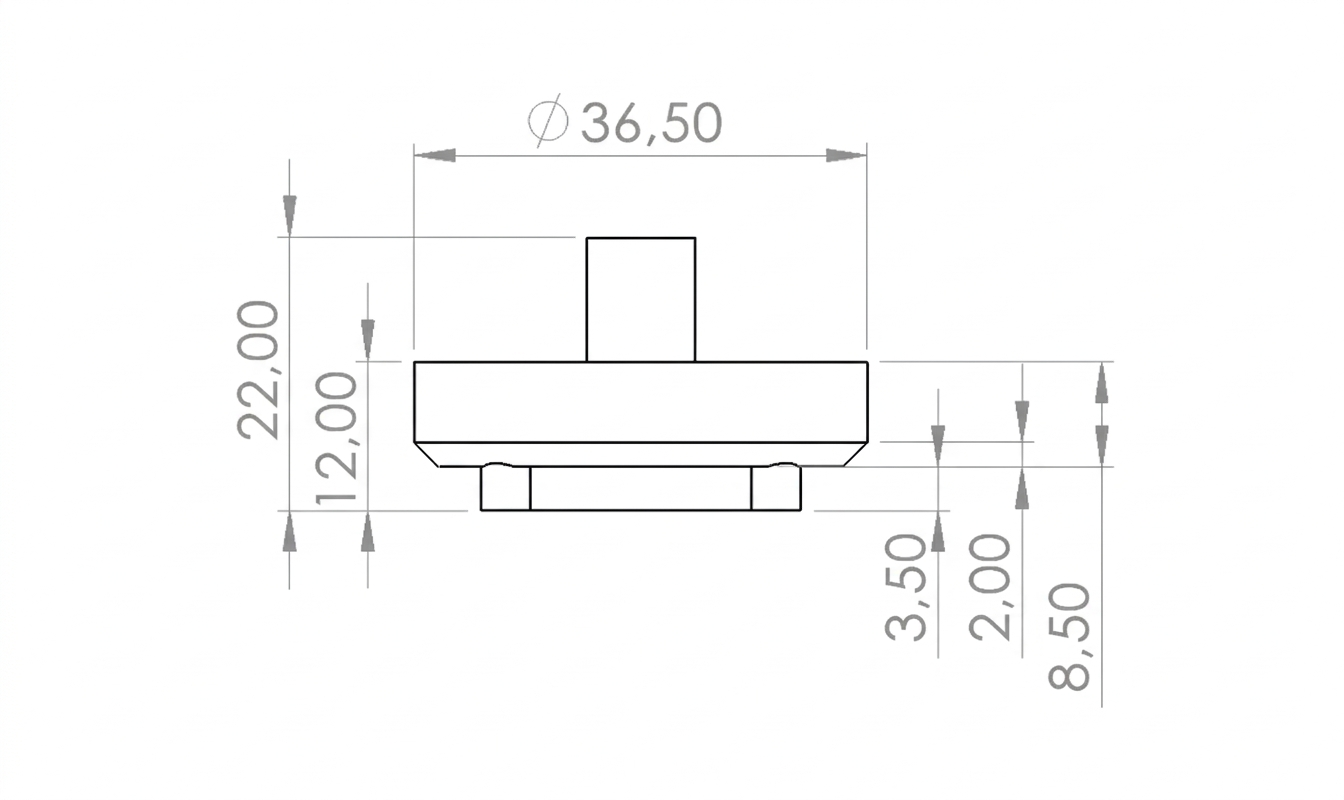
Build the AA270 (0–270°, with a range limit) or the AA360 (full, continuous 360° rotation).
AS5600 or MT6701?
Pick it for resolution and motor control
14-bit absolute angle over I²C, plus incremental ABZ and UVW commutation outputs for BLDC/FOC drives. It's the IC in every SpaceDragon build, and the reason the old AA modules were described as "absolute + incremental".
Pick it for ecosystem and configurability
The most popular hobby magnetic encoder, with libraries and tutorials for every platform. It adds magnet diagnostics, a programmable angular range and direction, and low-power modes. Its resolution is 12-bit.
| MT6701 | AS5600 | |
|---|---|---|
| Resolution | 14-bit (0.022°) | 12-bit (0.088°) |
| Digital interface | I²C | I²C (fast-mode plus), fixed address 0x36 |
| Analog / PWM | Yes, 12-bit | Yes, on one OUT pin (analog or PWM) |
| Incremental ABZ | Yes | No |
| UVW commutation | Yes, for BLDC motors | No |
| Magnet diagnostics | Basic | Magnet detected / too weak / too strong flags, AGC, magnitude |
| Programmable range | Zero position | Start/stop positions, angular range, direction pin |
| Power modes | Normal | Normal + 3 low-power modes |
| Supply | 3.3–5 V | 3.3 V or 5 V |
| Best for | Highest resolution, motor control, SpaceDragon builds | Huge community support, diagnostics, easy setup |
Resolution is 360° divided by 2bits: 360/16384 ≈ 0.022° for 14-bit and 360/4096 ≈ 0.088° for 12-bit. Real accuracy also depends on magnet alignment, which is exactly what the calibrator fixes. The calibrator works with both, so pick the IC whose features you need.
AA270 and AA360 modules
| Angle range | 0–270° |
|---|---|
| Resolution | 0.022° (MT6701) / 0.088° (AS5600) |
| Constant error | ±0.1° |
| Interfaces | I²C, PWM, analog |
| Supply (VDD) | 3.3–5 V |
| Dimensions | 36.5 × 36.5 × 22 mm |
| Weight | 15 g |
| Operating temperature | −30 to 70 °C |
| Angle range | 360°, continuous, no stop |
|---|---|
| Resolution | 0.022° (MT6701) / 0.088° (AS5600) |
| Constant error | ±0.1° |
| Interfaces | I²C, PWM, analog |
| Supply (VDD) | 3.3–5 V |
| Dimensions | 36.5 × 36.5 × 23.5 mm |
| Weight | 15 g |
| Operating temperature | −30 to 70 °C |
| Used in | SA1737 / SA1755 actuators, Dragon-Arm One |
Measured on the MT6701 build. The ±0.1° figure is a practical system-level error from the calibration method, not a certified metrology spec.
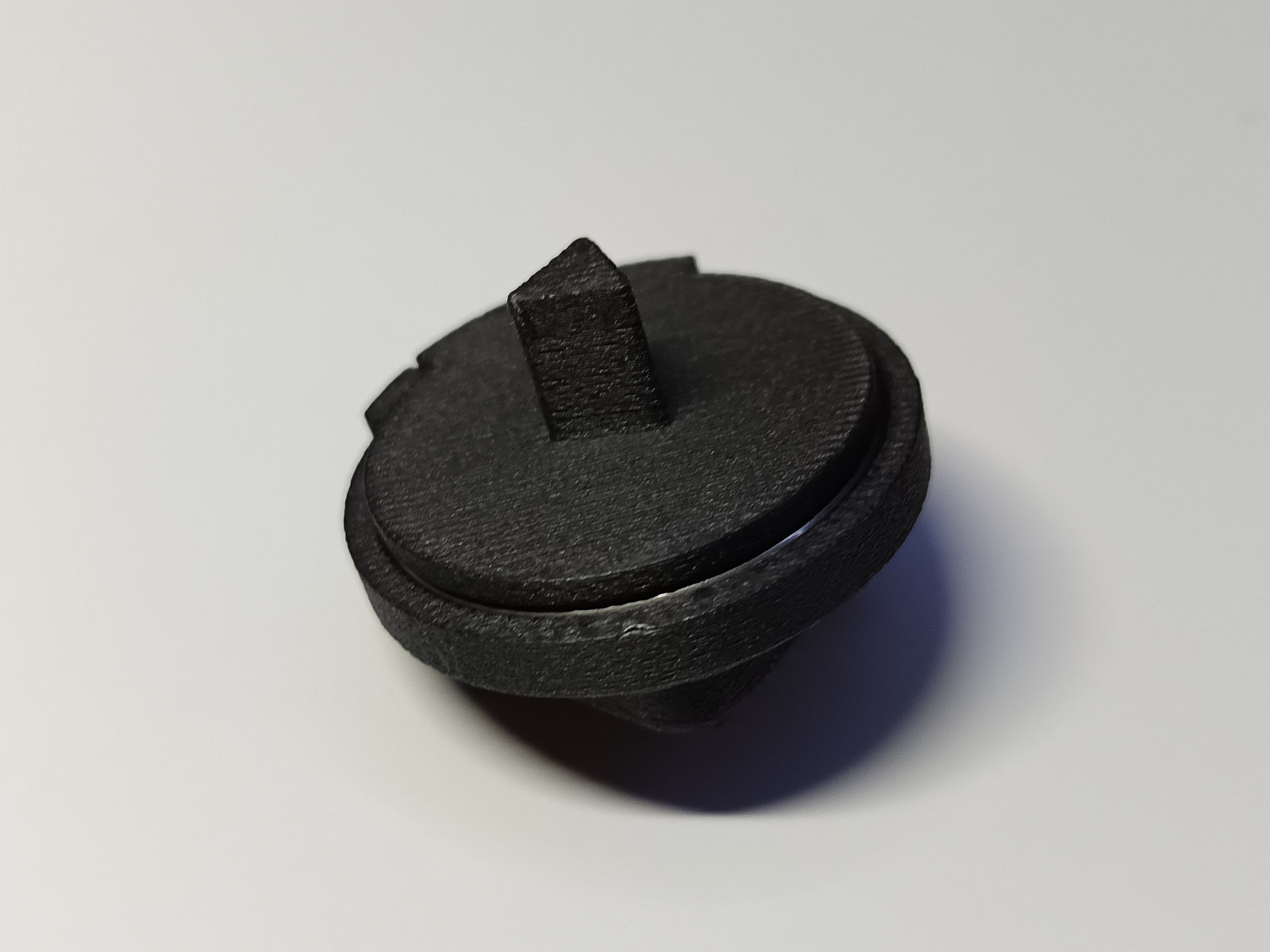
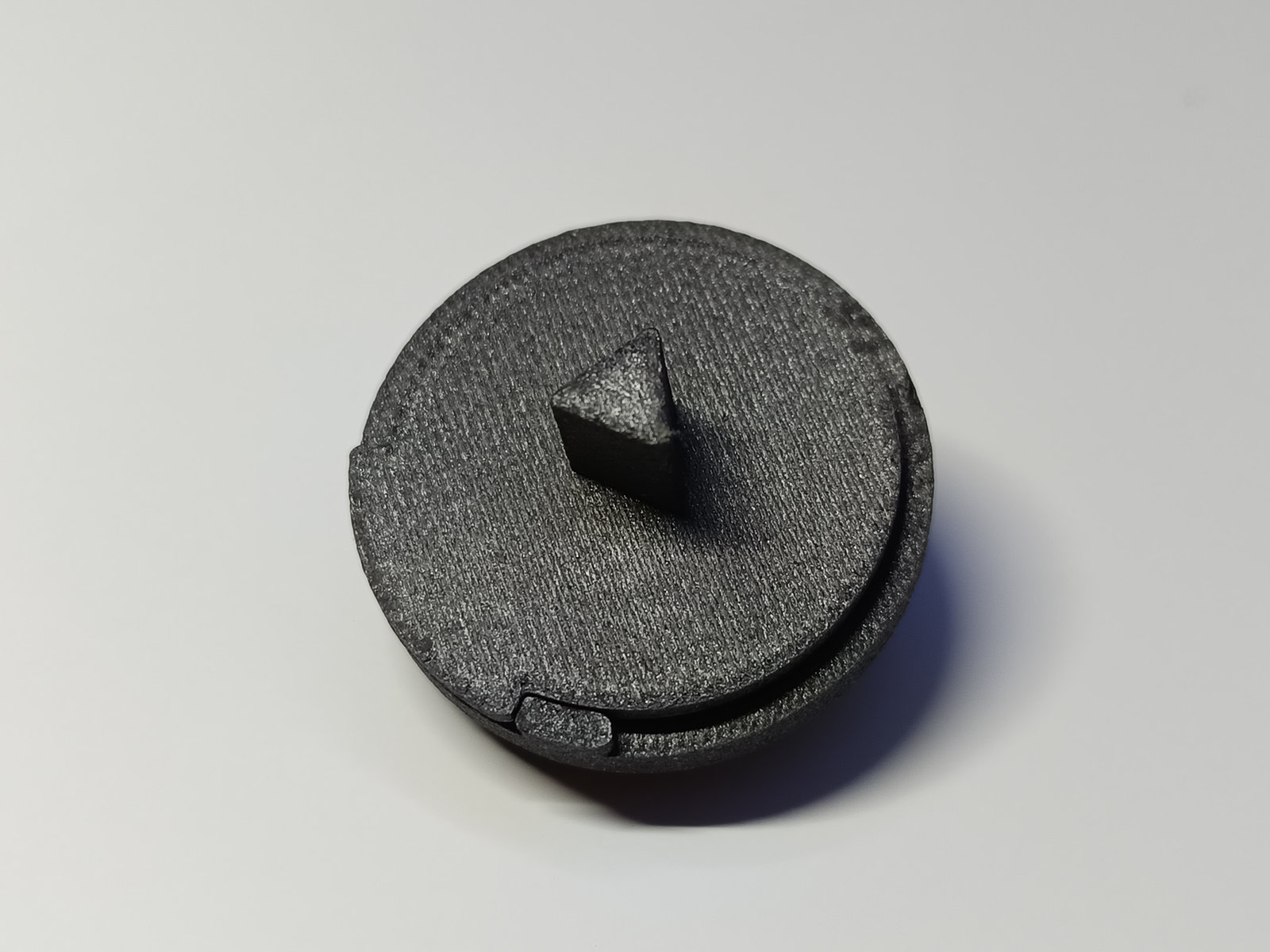
Read the angle in a few lines
Pick the tab for the IC in your build. Both examples use the Arduino Wire library and return NAN instead of a wrong angle when something is off.
// Read the absolute angle from an MT6701 (AA270 / AA360) over I2C.
#include <Wire.h>

const uint8_t MT6701_ADDR = 0x06;      // default 7-bit address (alt. 0x46)

// Returns the angle in degrees, or NAN if the encoder does not answer.
float readAngleDeg() {
  Wire.beginTransmission(MT6701_ADDR);
  Wire.write(0x03);                     // angle register, high byte
  if (Wire.endTransmission(false) != 0) return NAN;   // no ACK: check wiring/address
  if (Wire.requestFrom(MT6701_ADDR, (uint8_t)2) != 2) return NAN;
  uint16_t hi = Wire.read();            // 0x03: angle bits 13..6
  uint16_t lo = Wire.read();            // 0x04: angle bits 5..0 in bits 7..2
  uint16_t raw = (hi << 6) | (lo >> 2); // 14-bit, 0..16383
  return raw * (360.0f / 16384.0f);
}

void setup() {
  Serial.begin(115200);
  Wire.begin();
  Wire.setClock(400000);                // fast-mode I2C
}

void loop() {
  float a = readAngleDeg();
  if (isnan(a)) Serial.println("encoder not responding");
  else Serial.println(a, 3);
  delay(20);
}
// Read the absolute angle from an AS5600 (AA270 / AA360) over I2C.
#include <Wire.h>

const uint8_t AS5600_ADDR = 0x36;      // fixed 7-bit address

// Read one byte from a register; returns -1 on bus error.
int readReg(uint8_t reg) {
  Wire.beginTransmission(AS5600_ADDR);
  Wire.write(reg);
  if (Wire.endTransmission(false) != 0) return -1;
  if (Wire.requestFrom(AS5600_ADDR, (uint8_t)1) != 1) return -1;
  return Wire.read();
}

// Returns the angle in degrees, or NAN on error / no magnet.
float readAngleDeg() {
  int status = readReg(0x0B);           // STATUS: MD bit5, ML bit4, MH bit3
  if (status < 0 || !(status & 0x20)) return NAN;   // no magnet detected
  int hi = readReg(0x0E);               // ANGLE bits 11..8
  int lo = readReg(0x0F);               // ANGLE bits 7..0
  if (hi < 0 || lo < 0) return NAN;
  uint16_t raw = ((hi & 0x0F) << 8) | lo;   // 12-bit, 0..4095
  return raw * (360.0f / 4096.0f);
}

void setup() {
  Serial.begin(115200);
  Wire.begin();
  Wire.setClock(400000);
}

void loop() {
  float a = readAngleDeg();
  if (isnan(a)) Serial.println("encoder or magnet problem");
  else Serial.println(a, 2);
  delay(20);
}
Wiring (I²C)
| Encoder | Arduino Uno | |
|---|---|---|
| VCC (red) | 5 V or 3.3 V | |
| GND (black) | GND | |
| SDA (green) | A4 / SDA | |
| SCL (white) | A5 / SCL |
Where absolute angle pays off
Robot arms
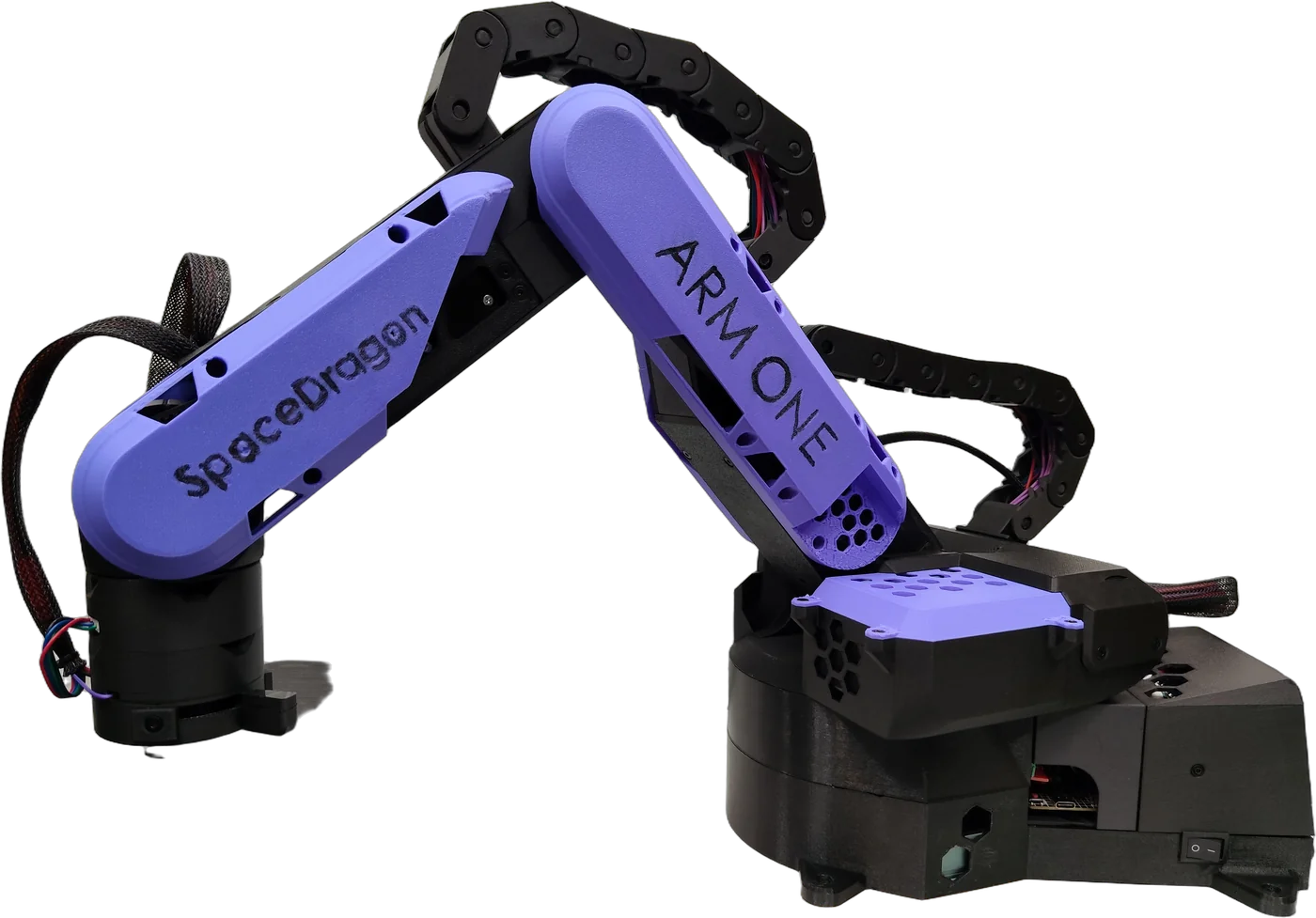
Joints that know their position at power-up, like Dragon-Arm One.
Gimbals and pan/tilt
Absolute heading without an index search.
CNC and automation axes
Rotary axes and indexers without homing switches.
Sliders and animatronics
Repeatable motion that survives power cycles.
More SpaceDragon projects
Join the SpaceDragon community
Follow development, ask questions, share your builds and help shape the next projects.